Episode descriptions jump down instead of smoothly scrolling
-
Very recently I noticed: when I attempt to scroll down to read more of a longer episode description, and i reach the bottom of the initially in-view description, the whole UI shifts abruptly, so that the very top of the description is at the top of the phone. Here’s a GIF of this crazy scroll:
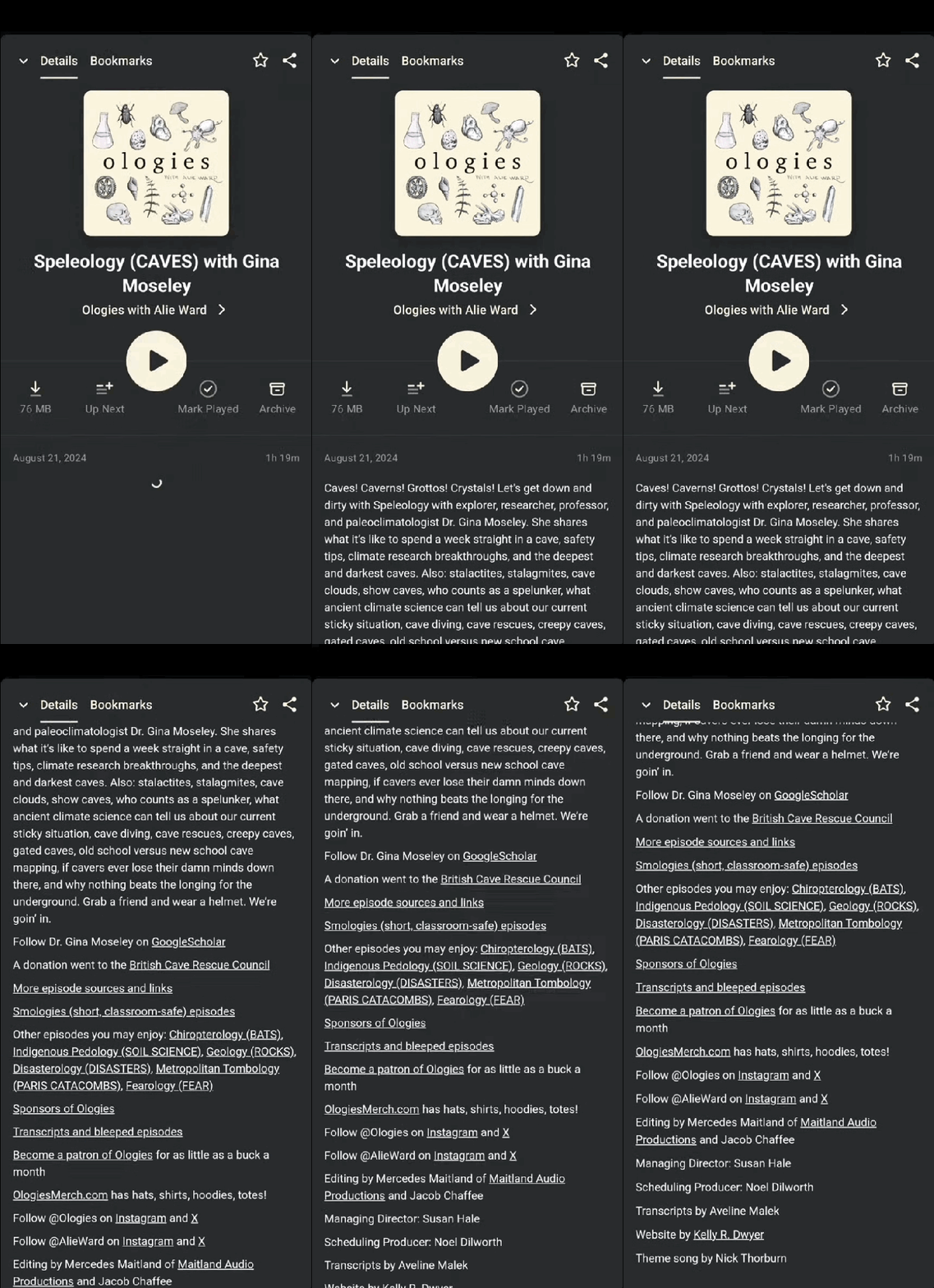
This interaction is really jarring and I hope it’s a mistake/bug that is easy to fix.
The problem is that your eye is on the last few words of the description, you scroll with your finger, expecting the next line to scroll into view….and instead the entire page shifts up! You can’t easily find the word you were reading 😢
I emailed support about this but, i’m not a premium member so I am publicly posting.
-
Hi @ejwilder,
Thanks for reaching out! Just so we’re on the same page, would you share your current setup? We’d like to reproduce the issue on our end with the same setup.
- Device model and version (e.g., iPhone 12 mini)
- Pocket Casts App version
Also, do you notice this behavior on only certain podcasts / episodes, or all of them? If it’s just select few, would you share the URL of the podcast episode, so we can check it out ourselves?
-
Thanks for taking a look!
- Device model: google pixel 6a
- Pocket Casts app version: 7.71-rc2 (9262)
You can see this behavior on any podcast / episodes, as long as the episode description is fairly long.
You can try it on Up First: most of their episode description are pretty long. Just tap your finger on an episode description (you can try the Aug 25 episode) and the entire UI jumps up.
If you try it on an episode that is very short (ex: Aug 25th episode of The Daily) then when you tap the description with your finger, nothing happens (as expected, there is nowhere you need to scroll)
-
Hi! This has been reported to our developers. It will likely take some time to address this particular issue, which unfortunately I don’t have an exact timeframe on.
Thanks for your patience and understanding in the meantime!
-
Thanks for reporting this. We believe we have fixed this and it will be available in version 7.74.
-


 Pocket Casts Forum