Seeking audio when creating a clip in Android
-
It would be great if it would be possible to seek to the end of the clip when creating one in the Android app. When creating my first clip, I wanted it to be about a minute long, and I was not able to jump to the ending to the clip when trying to adjust it. So I had to listen to the whole minute clip to see if my clip ending is at the right place after every adjustment.
-
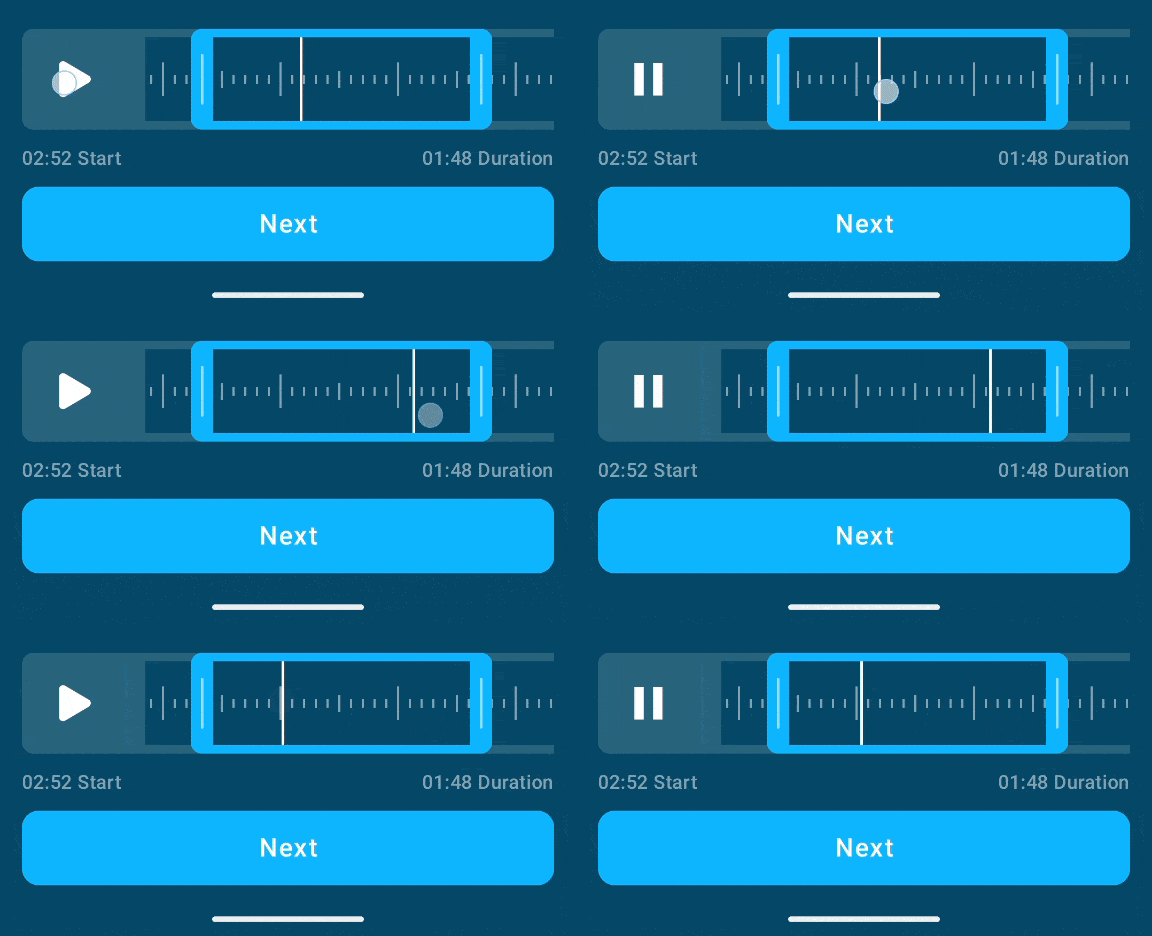
Hey @mmartynas, the playback position is draggable. So you place it at any position of your clip. Does it work for you?
-
Hello! No, the playback position is practically not draggable.
At least, it is technically draggable but it’s incredibly challenging to drag — you need to tap directly on the white line, otherwise you scroll left or right on the track, or you resize your cropping window, ruining the work you’ve done so far. If the “current position” bar is up against the beginning/end of the clip, it’s pretty much impossible to move without ruining your work.
I created a Feature Request several weeks ago requesting about the same thing that mmartynas is requesting here, the ability to listen to the last few seconds to ensure your clip is adjusted properly. Can our +1s be combined on these requests? It would make this new promising feature much easier to use.


 Pocket Casts Forum